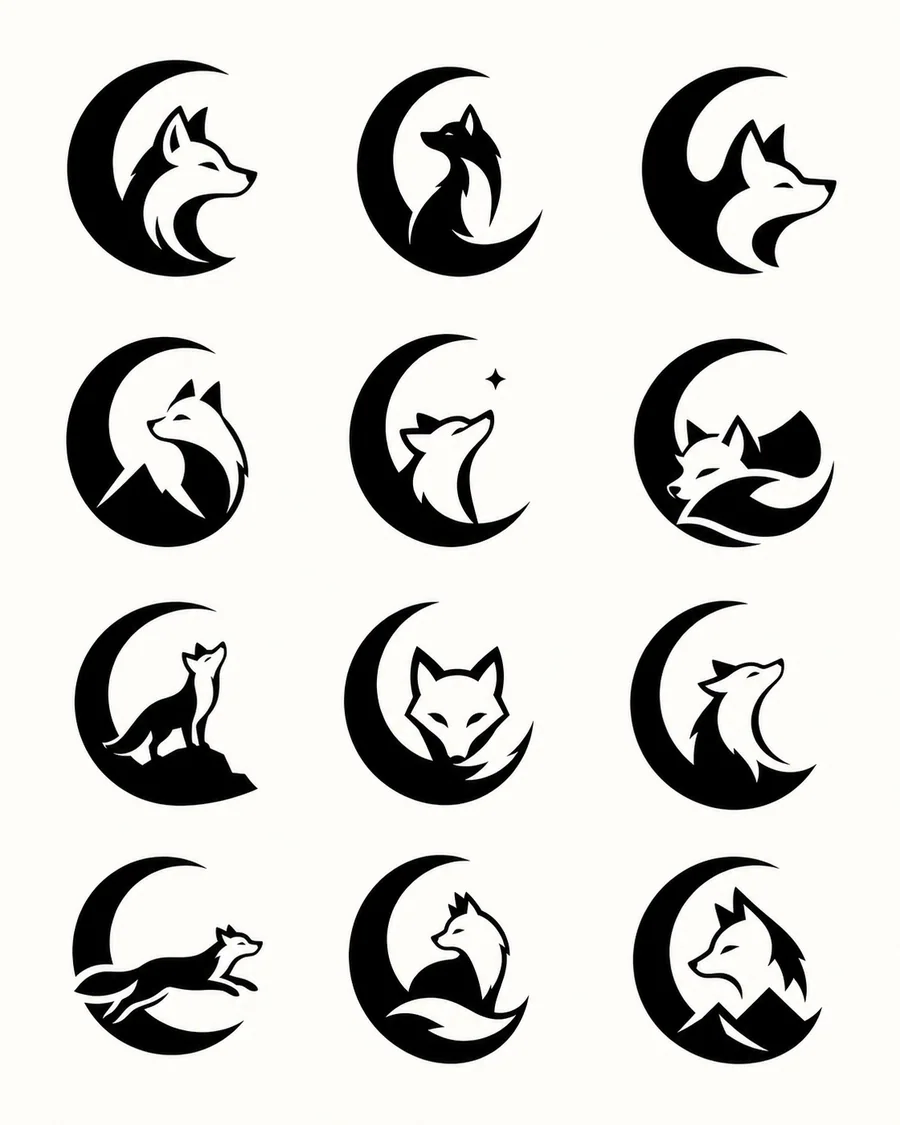
Graphic design & branding
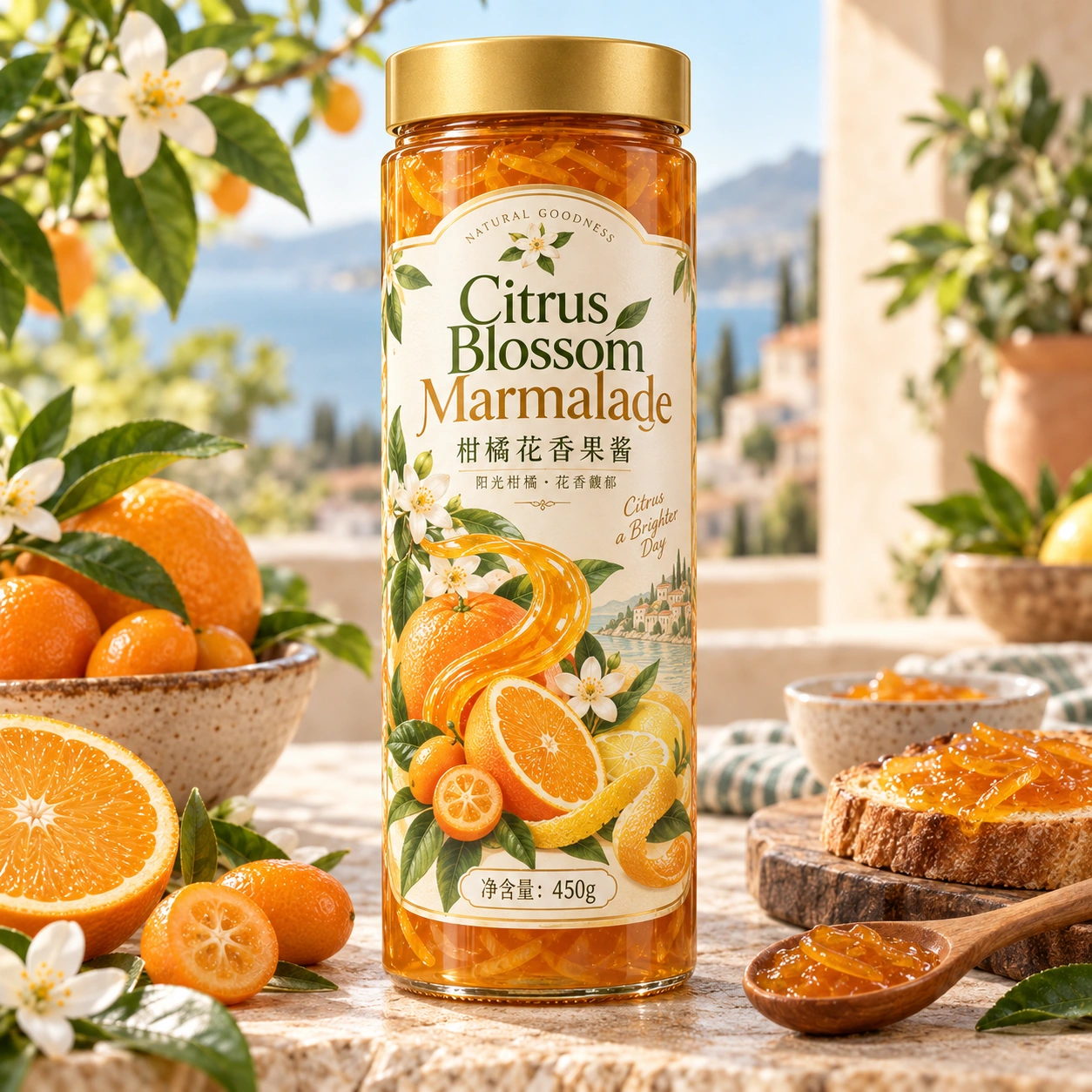
Botanical Food Packaging
Use this plan →
IMAGE2.ING INSPIRATION · PROMPT
Creation model · GPT Image 2
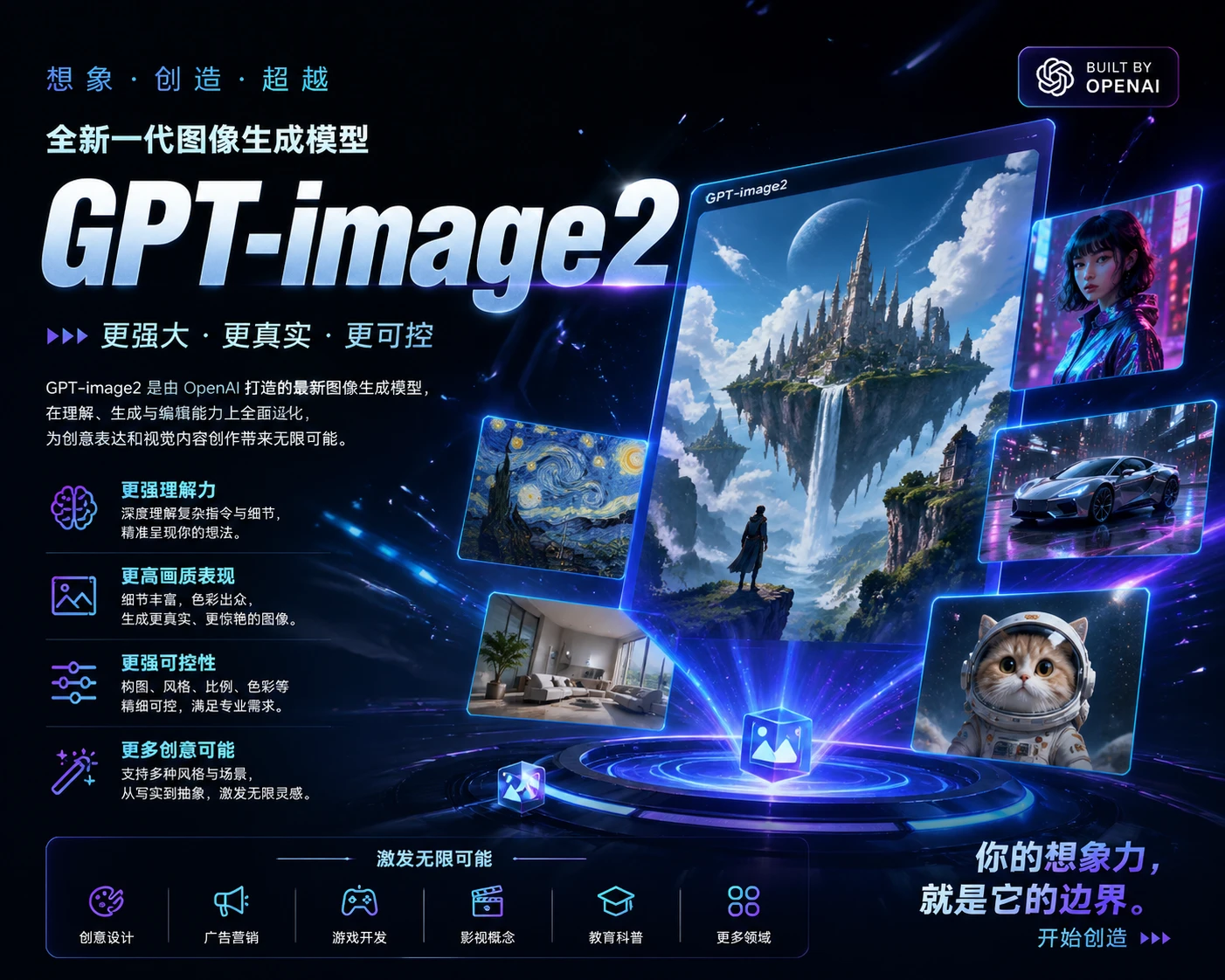
Design a 4:3 technology poster about GPT Image 2 image generation. Use a dark navy background, a luminous transparent cube, layered image creation panels, blue-white light trails and fine interface outlines. Place the clear heading “GPT-image2” at the upper left with a few concise English feature labels. Create a futuristic digital studio with depth and restrained typography, no watermark.
Edit the prompt, choose an aspect ratio and upload your own references in the workspace.
Replace the subject, exact headline or setting first, then adjust the palette and aspect ratio for your use. Keep the composition, materials and constraints you need. Change one group of instructions at a time to compare results.
Quote the exact headline and define hierarchy and spacing. A vector-style logo is still an image, not an editable vector file. Inspect and refine it before delivery.