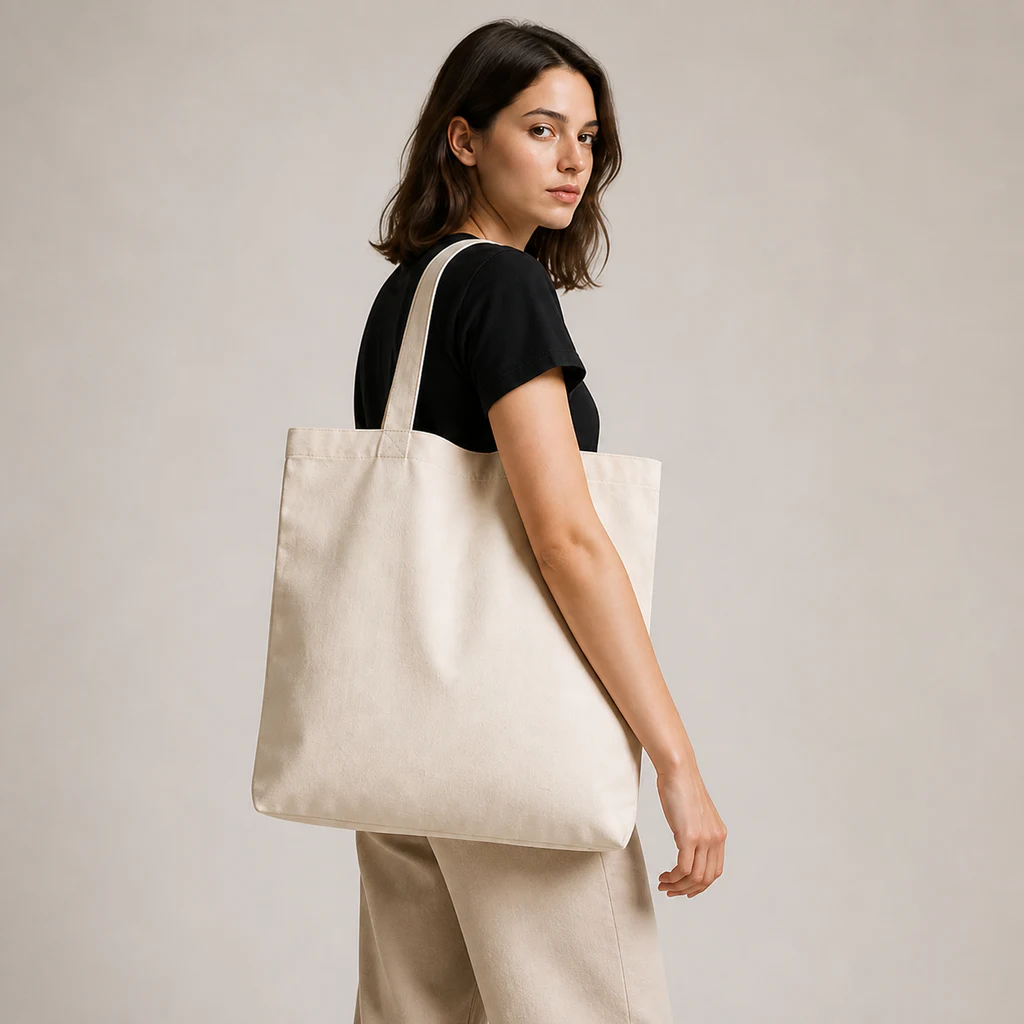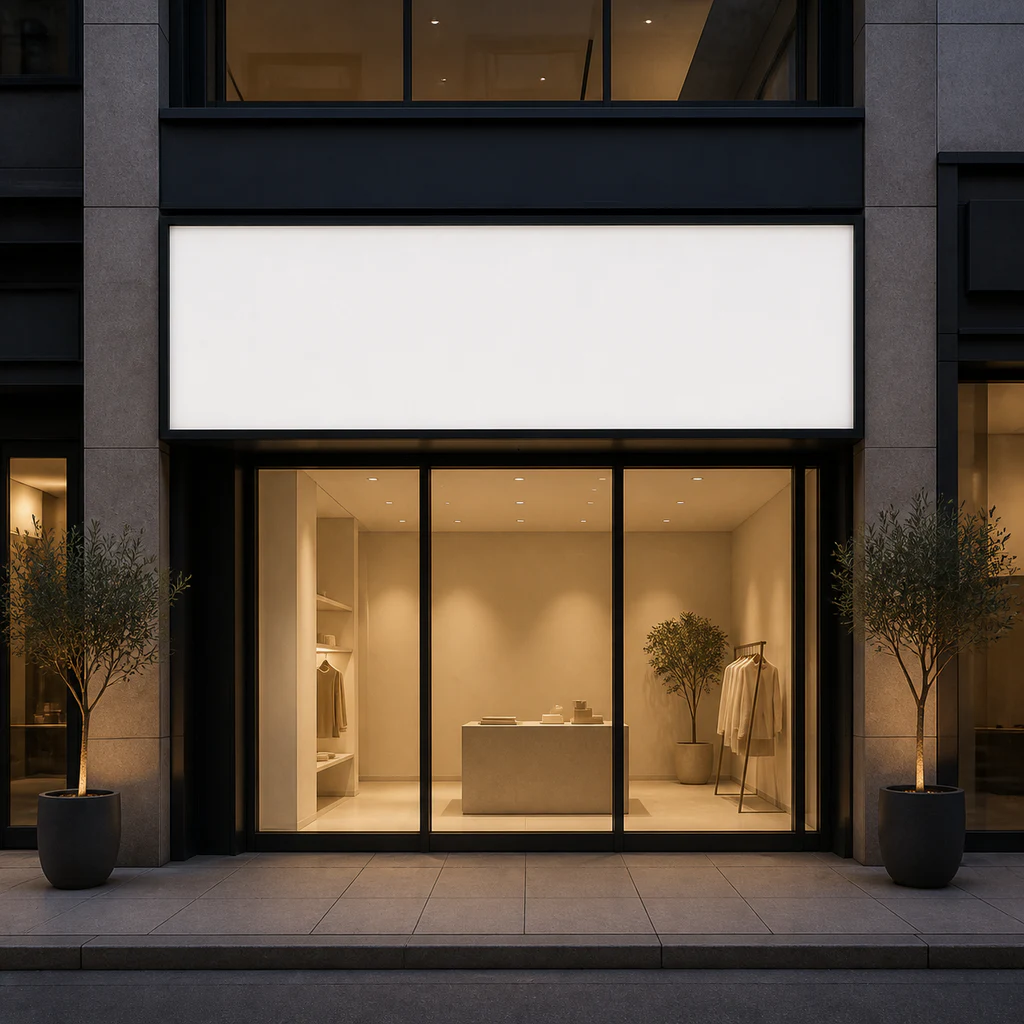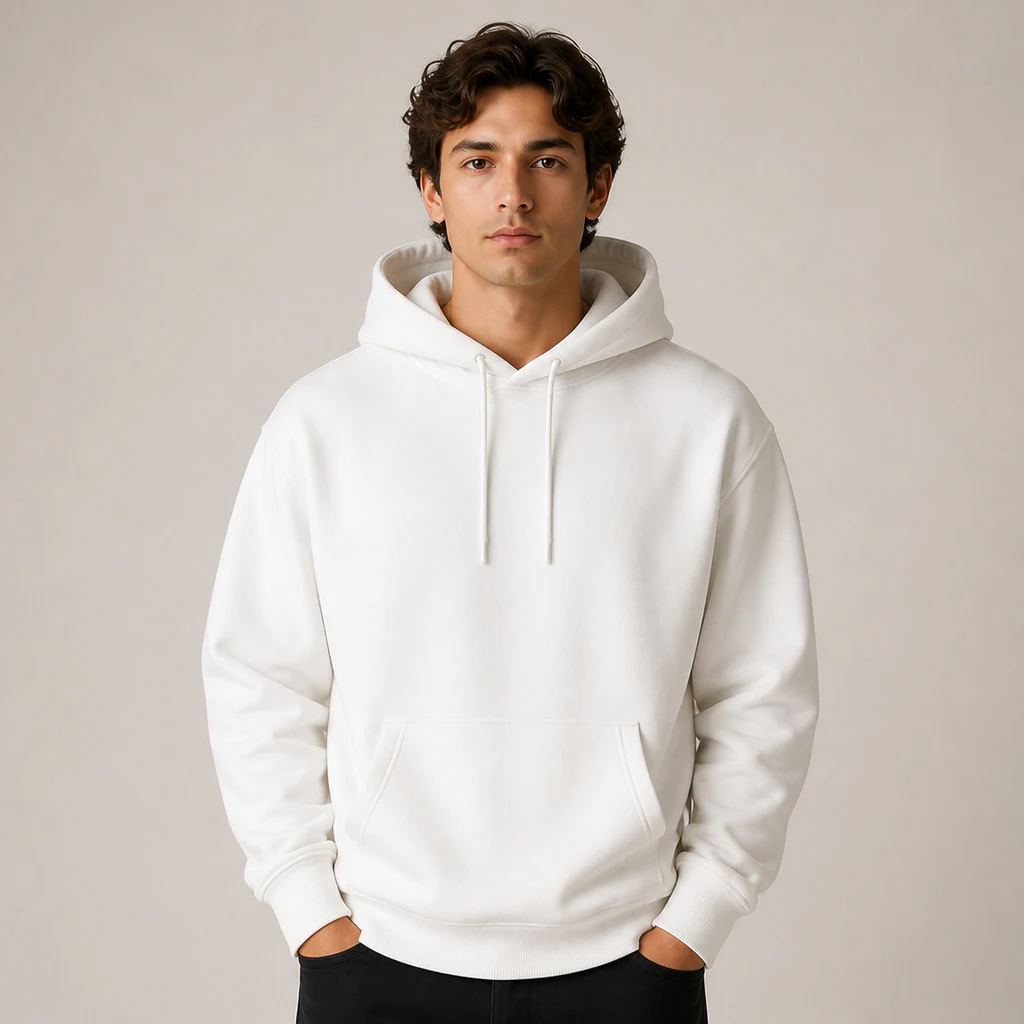
Amazon main image
Open tool
AI ECOMMERCE STUDIO
Upload your product, add a brief, then choose one listing image or detail section. Generate one image at a time and view the result on the right.
View pricing and credits →Prepare music for a product film →MORE WORKFLOWS
When you only need one asset, open a focused workflow with a ready-made prompt structure.
GUIDE
A listing image is often the first visual contact a shopper has with a product. A useful set does more than repeat one photo with different backgrounds: each image explains a different part of the offer while preserving the product’s real appearance and a consistent art direction.
Traditional production can require photography, retouching, design, feedback, and several handoffs. That process remains valuable for final campaign work, but it can slow down product testing, catalog expansion, and frequent launches.
Use the left panel to upload one to four references of the same product and enter its name and a factual brief. Switch between Listing and Detail page, then select one image type. Each type provides a focused composition and content direction you can edit. Examples and results appear on the right.
Each request generates one image or product-page section. Click Generate to submit directly, then download or regenerate that image. Your product brief and references stay available when switching tabs or image types during this page session. Older image sets remain in your history. Single-image requests simplify retries but can still fail during upstream outages.
Platform context is available for general ecommerce, Amazon, Shopee, Taobao, and Tmall, alongside templates for food, beauty, apparel, home, and electronics. Templates guide emphasis without inventing certifications, performance data, dimensions, or product claims.
Choose a shared visual style and an output language for the text inside images. Generated work should be treated as a strong creative draft: verify copy, specifications, packaging, product fidelity, and the latest platform rules before publishing.
Many listings use five to eight images: a primary product view followed by benefits, lifestyle context, details, specifications, and packaging. Exact limits vary by marketplace.
Treat the result as a high-quality draft. Check the required dimensions and verify every claim, label, specification, and product detail before publishing.
The workflow includes context for general ecommerce, Amazon, Shopee, Taobao, and Tmall. It does not guarantee marketplace approval, so always check current listing rules.
Upload one to four clear JPG, PNG, or WebP images of the same product, each no larger than 24MB. Even lighting and multiple angles provide better reference information.
Each click submits one image directly. Reference pricing appears below the button; the task record contains the actual charge. Regeneration creates a new billable task.
Yes. Select one image type under Listing or Detail page. Generate that image, then select another type using the same product photos and brief. Previous results remain in your history.
Listing images support search results and the gallery at the top of a product page. Detail images form a longer, more complete product story in the page body.