1. Add your details
Add experience, projects, education and skills, plus an optional portrait. Drafts are saved locally while editing.
AI RESUME STUDIO
Add your details, choose a visual style, and generate a resume with GPT Image 2 or 2.5. Download the finished image.
Create my resumeStart with your details. Generation requires sign-in and credits, with pricing shown before submission.
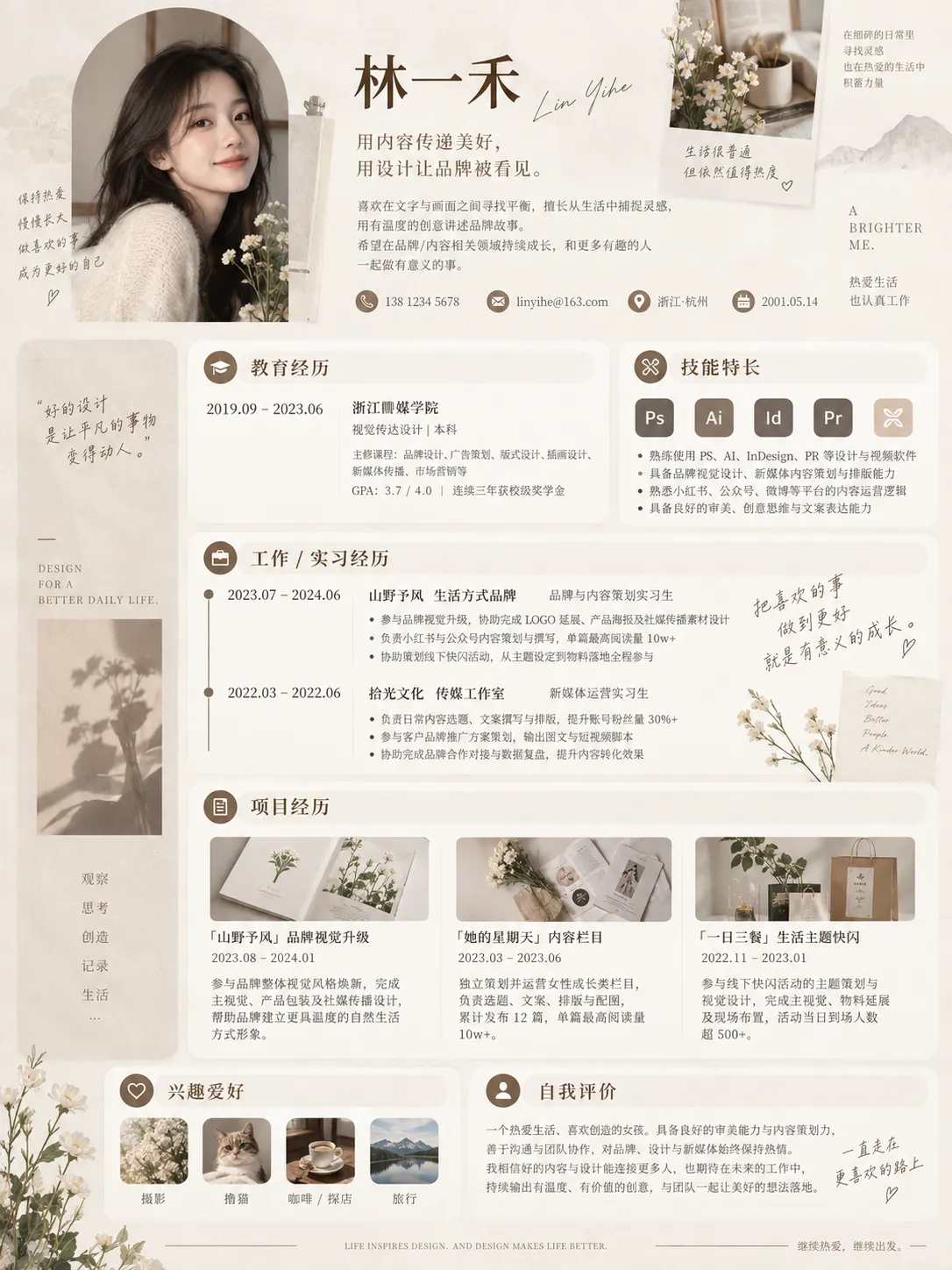
Explore each style reference, then generate a resume image using your own details.
Add experience, projects, education and skills, plus an optional portrait. Drafts are saved locally while editing.
References guide the visual style. Choose a model, describe your preferences, and review the details and pricing before submitting.
Zoom in to check text, dates, contacts and portrait, then download the original image. Changed details require regeneration.
After confirmation, the selected details and images are sent to the image service. AI-generated text and portraits may contain errors; review them carefully. The result is a single image, without directly editable text. Prepare a separate document when a hiring system requires a text resume.