Text to image
Create detailed images with stronger composition, typography and prompt fidelity.
Create and edit images, generate videos, and build designs with multiple AI models in one workspace.


Create in the browser
Image2 Studio
Uploaded images
 OpenAI
Plan your prompt, learn how to preserve details in reference edits, and compare model options before starting your next image.
Open the GPT Image 2.5 AI image generatorMade with Image2.ing
Start from a prompt or a reference image, then turn your idea into polished visual work.
Graphic Design

E-commerce Design

Trending Ideas

Graphic Design

Image Editing

Image Editing
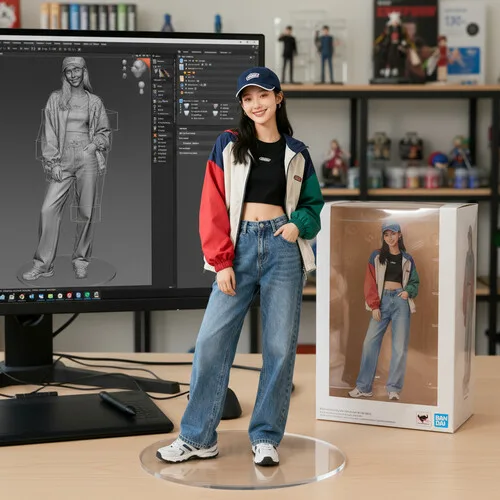
Trending Ideas

Trending Ideas

E-commerce Design
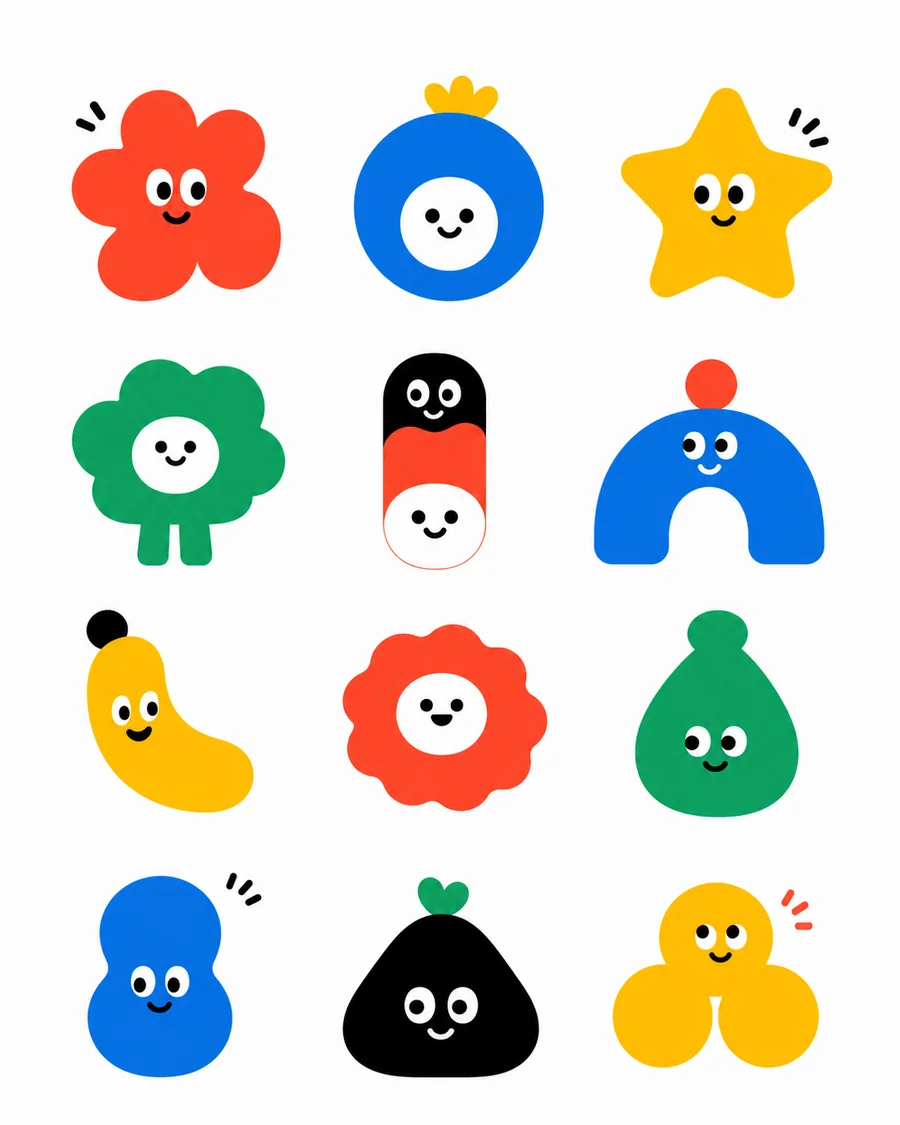
Graphic Design

Architecture

Graphic Design
Creative capabilities
A focused workspace for everyday creativity, professional content and commercial design.
Create detailed images with stronger composition, typography and prompt fidelity.
Retouch, restyle, replace and expand images with clear natural-language instructions.
Bring a still image to life with controlled motion, timing and cinematic quality.
Produce product shots, campaign concepts, social content and brand visuals faster.
AI DESIGN TOOLKIT
From a single poster to a complete product image set, find the right place to start.
Upload your product, add a brief, then choose one listing image or detail section. Generate one image at a time and view the result on the right.
Open toolDescribe a sound or bring your own lyrics. Prepare music ideas for product films, brand content, and everyday stories.
Open music workspaceEnter a brand name, industry tone, and color direction to create a 4 × 3 board of 12 logo concepts with GPT Image 2, or upload a reference to refine a final set.
Start designing a logoTurn an event theme, campaign brief, or social idea into a polished poster with GPT Image 2. Choose from 12 professional art directions and add reference images when you need a specific visual language.
Start designing a posterUpload a logo or graphic and preview it across nine realistic apparel, product, packaging, and storefront scenes with GPT Image 2.
Open the mockup generatorUpload a clear portrait to preview realistic short hair, long hair, bangs, curls, and hair colors online. Choose women’s or men’s presets, or describe a custom hairstyle in natural language.
Open the AI hairstyle changerSimple by design
Write a prompt or upload reference images to set the subject, style and intent.
Select a model, aspect ratio and resolution that fit the final use.
Create your result, iterate quickly and download the version you want to keep.
Image2.ing journal
Practical, original guides for choosing AI models, writing better prompts and turning ideas into finished visual work.

A hands-on image2.5 review: one-line outfit swaps, background and hairstyle edits, sketch-to-poster, transparent stickers, and e-commerce main images. Nine real cases show what GPT Image 2.5 can do, with prompt tips and use cases.

Compare GPT Image 2 and 2.5 using reference fidelity, edit accuracy, text checks, revision count and total cost rather than unsupported benchmark claims.
Write GPT Image 2.5 prompts with three practical templates, reference-image instructions and a checklist for improving the next generation.
Creator experience
From product visuals to brand concepts and social content, Image2.ing keeps different creative workflows focused and efficient.
Batch image creation turns a day of product visual work into a much shorter, more consistent workflow. We can test directions and prepare launches without losing momentum.
Working from real use cases makes exploration more useful. We can compare visual directions, refine the strongest concept and keep the whole process in one place.
Image and video tools in the same workspace make it easier to turn an idea into a complete campaign. Drafting, testing and delivery all feel more connected.
Frequently asked questions
You can generate images from text, edit uploaded images, combine references and create AI videos for personal or commercial creative workflows.
No. Describe the result in everyday language, choose a model and format, and refine your prompt after each result.
Available formats depend on the selected model. The studio provides common aspect ratios and supports high-resolution output up to 4K on compatible models.
Yes. Upload one or more reference images for editing, visual consistency, multi-image composition or image-to-video creation.
Open the studio, describe what you have in mind and make it visible.
Create with Image2.ing