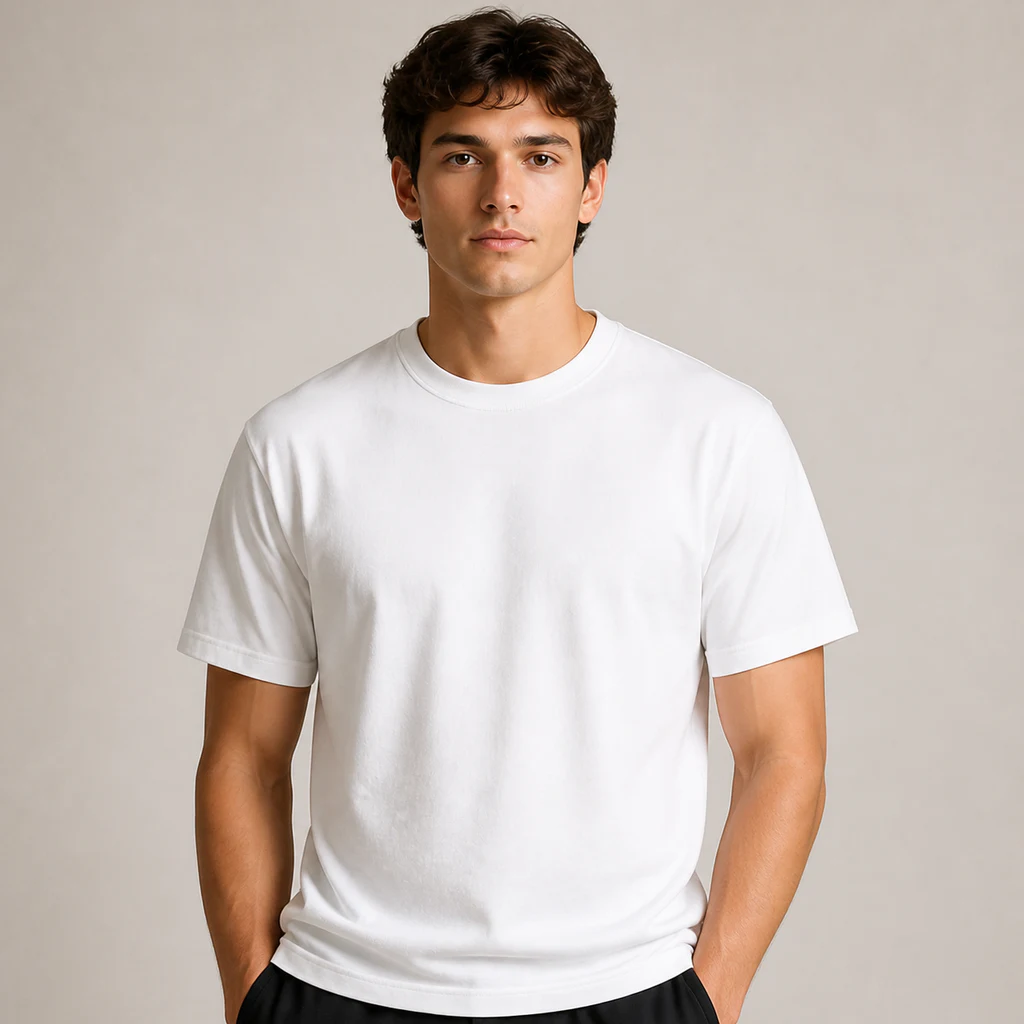
White T-shirt
Preview apparel graphics, community merchandise, event shirts, and essential brand collections on clean white cotton.
GPT Image 2 · Brand visual tool
Turn a logo, graphic, or packaging design into realistic commercial mockups with material-aware lighting. No Photoshop required; results save automatically.
Choose a surface and upload your design. GPT Image 2 creates the real commercial scene.
Upload a design to start
Target mockupGPT Image 2
From artwork to a real-world scene
The AI brand mockup generator uses both your uploaded artwork and the selected product scene. It applies a flat logo or graphic to apparel, packaging, products, and storefronts so you can review scale, color, material, and overall art direction before production, presentation, or launch.
Create a polished mockup in three steps without building perspective guides, masks, or Photoshop smart objects.
Upload a JPG, PNG, or WEBP file. A clean, front-facing design with generous padding works best; transparent PNG is recommended for logos and standalone graphics.
Select one of nine real-world mockup scenes, then set the aspect ratio, resolution, and render quality. Add optional direction for the camera angle, lighting, background, or mood.
GPT Image 2 builds the material, perspective, folds, shadows, and reflections around your design. The result is saved automatically so you can inspect the details and download it.
Explore common brand touchpoints across apparel, food and beverage, retail, beauty, merchandise, and physical storefronts.
Preview apparel graphics, community merchandise, event shirts, and essential brand collections on clean white cotton.
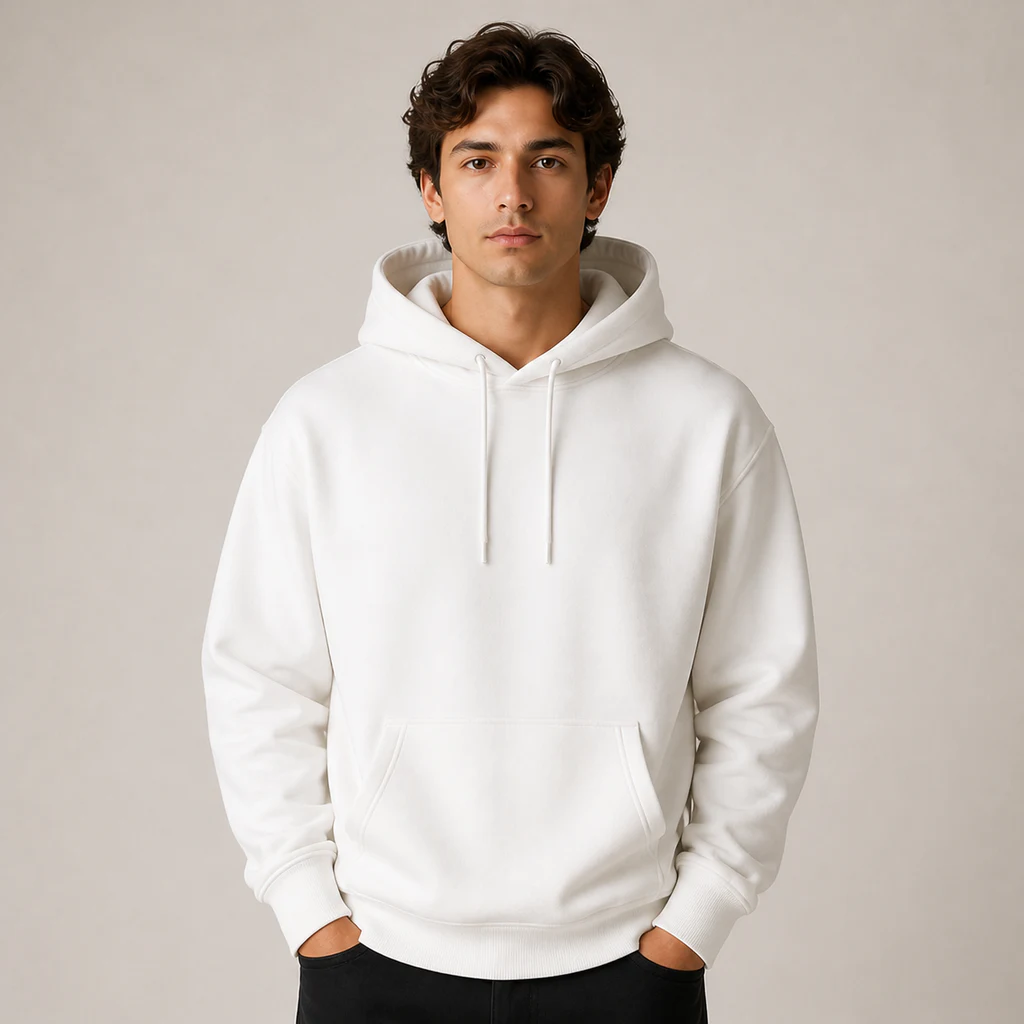
Test hoodie prints, streetwear merchandise, and seasonal apparel while seeing how artwork follows fabric folds.
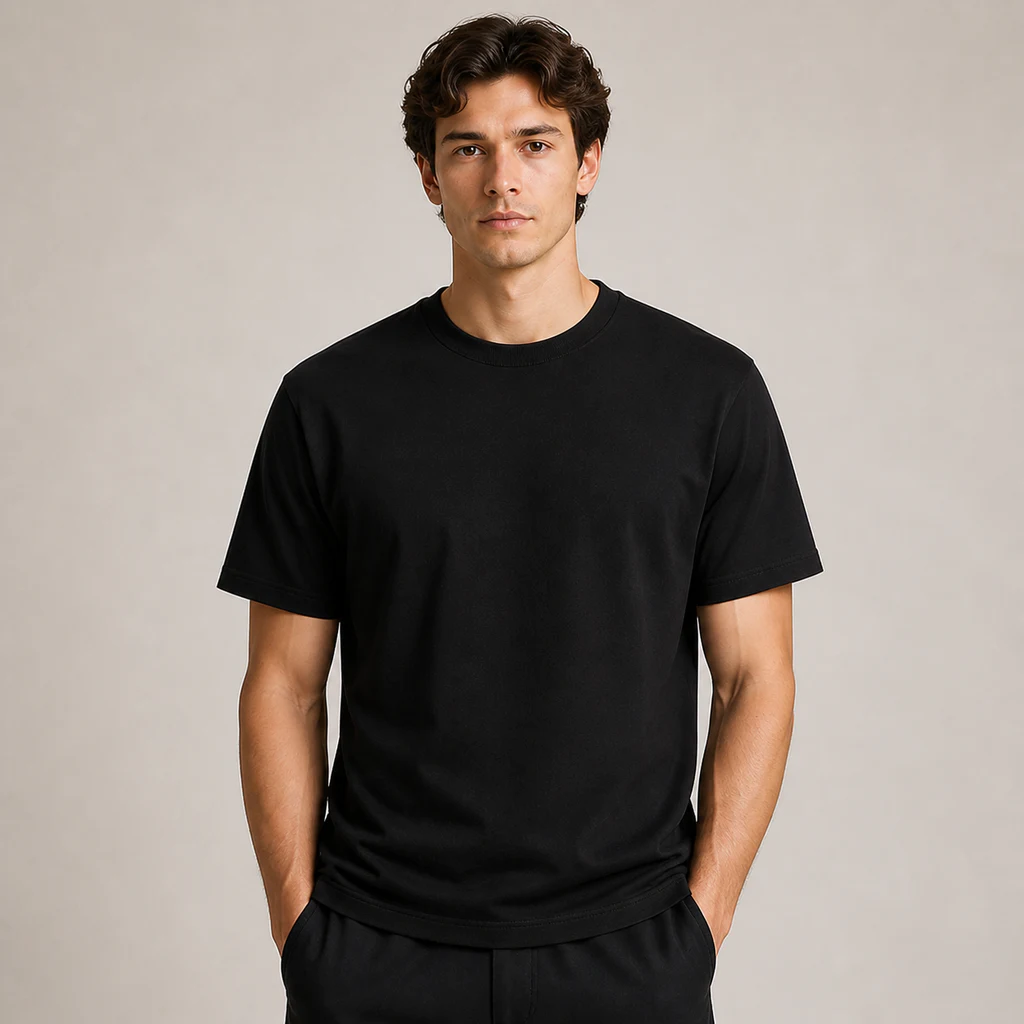
Check the contrast of light logos, metallic graphics, and dark apparel concepts before printing.
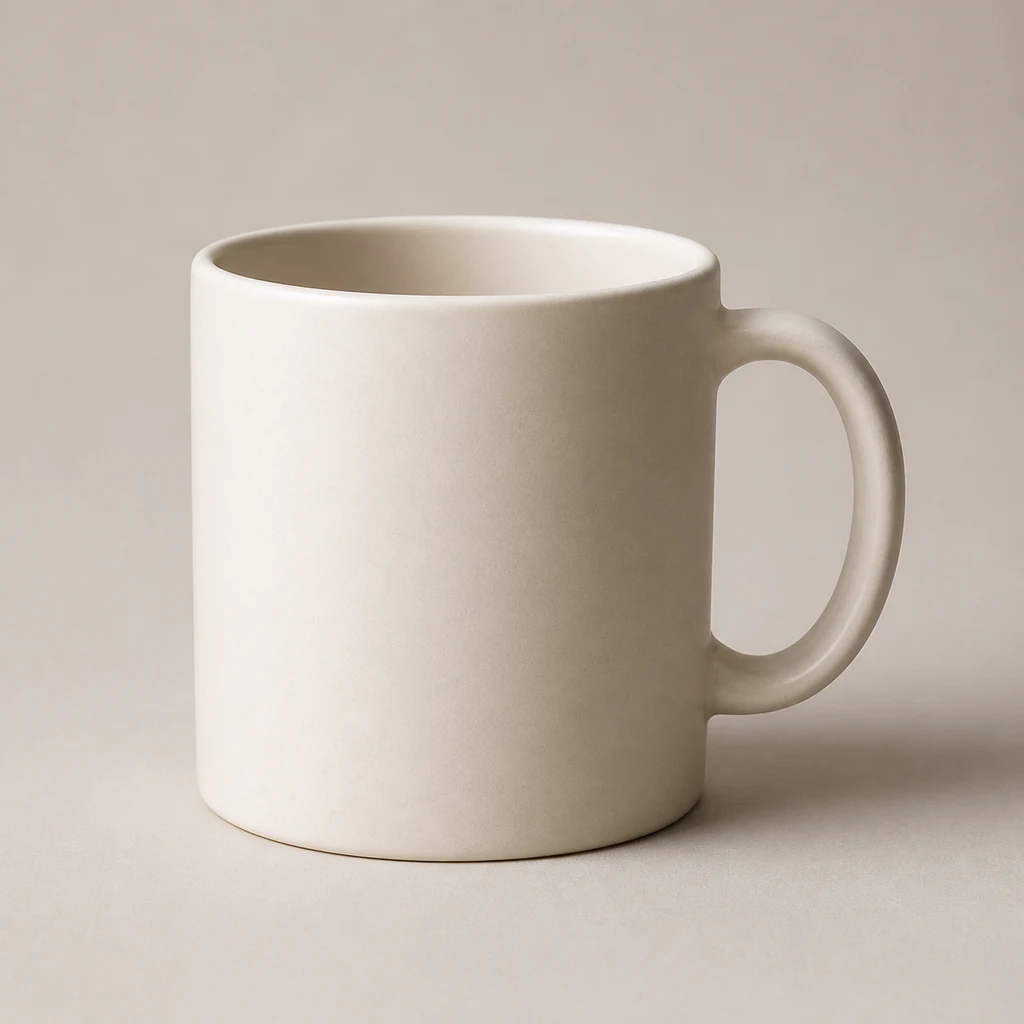
Visualize cafe branding, corporate gifts, and lifestyle merchandise on a curved ceramic surface with realistic reflections.
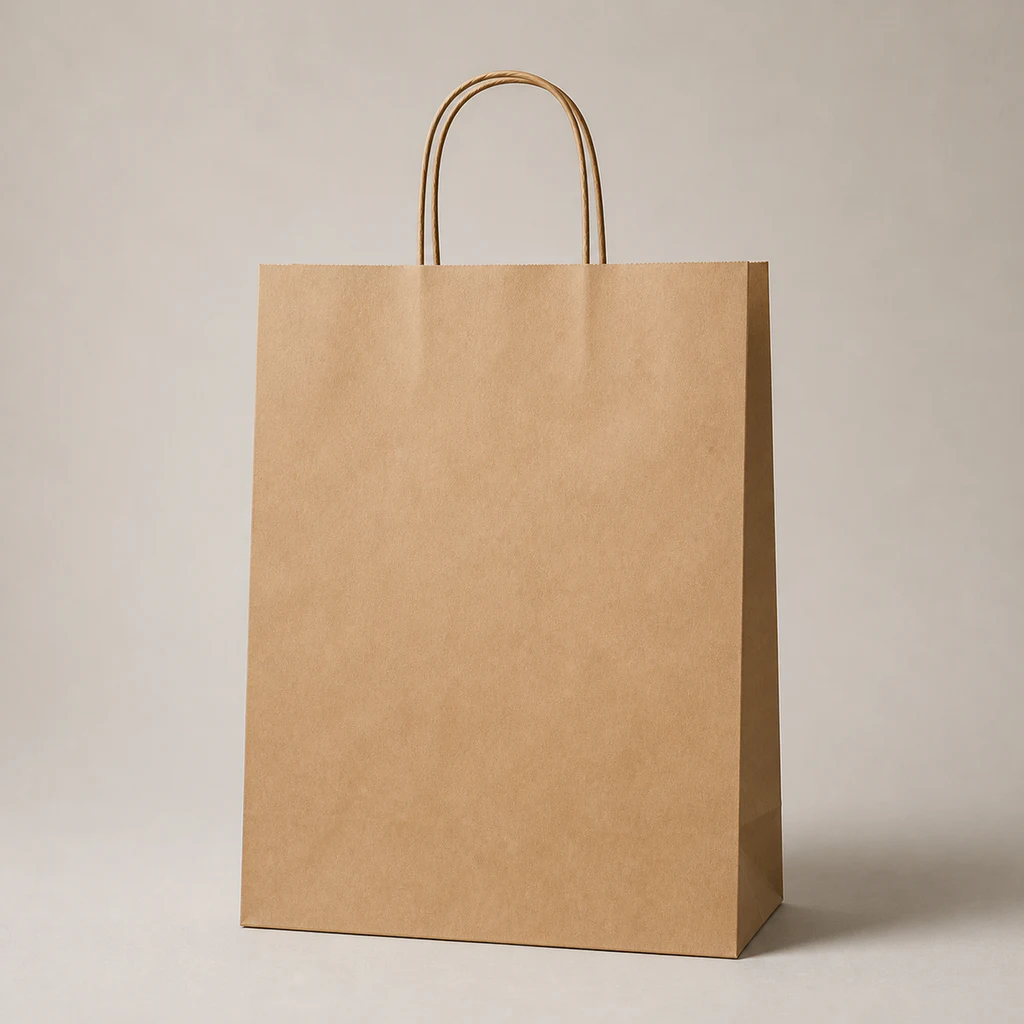
Review logo scale, spacing, and kraft-paper texture for restaurants, bakeries, and retail packaging.
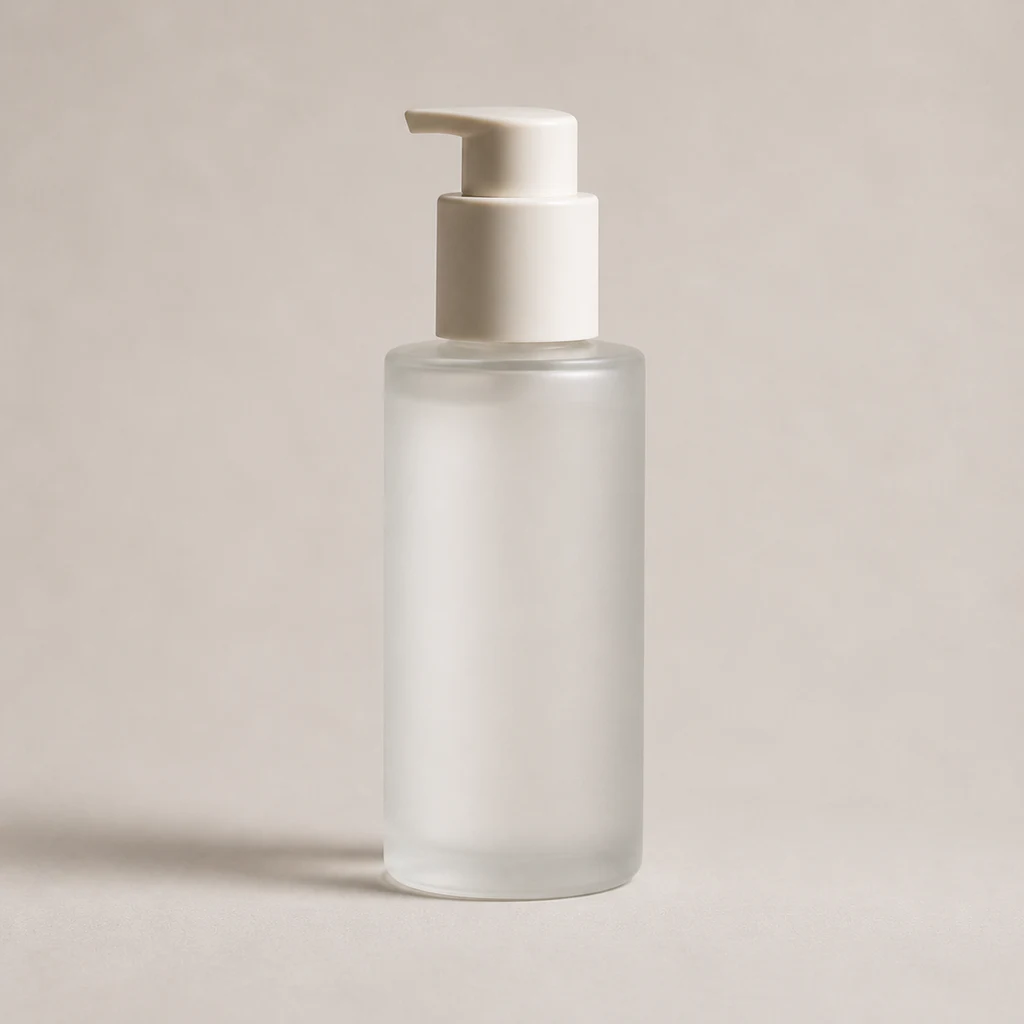
Present beauty, skincare, and personal-care labels on frosted glass and reflective premium packaging.
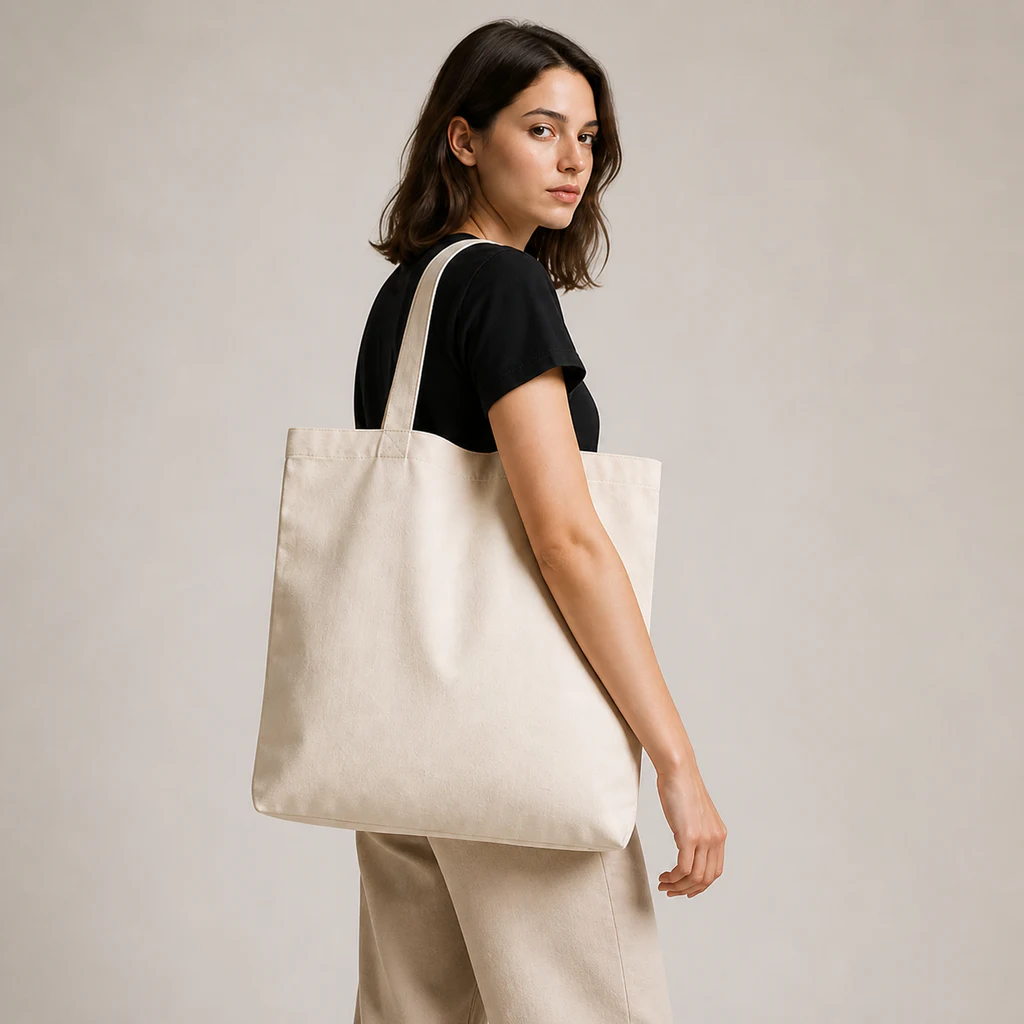
Create sustainable merchandise, event bags, and brand giveaways with visible woven fabric texture.
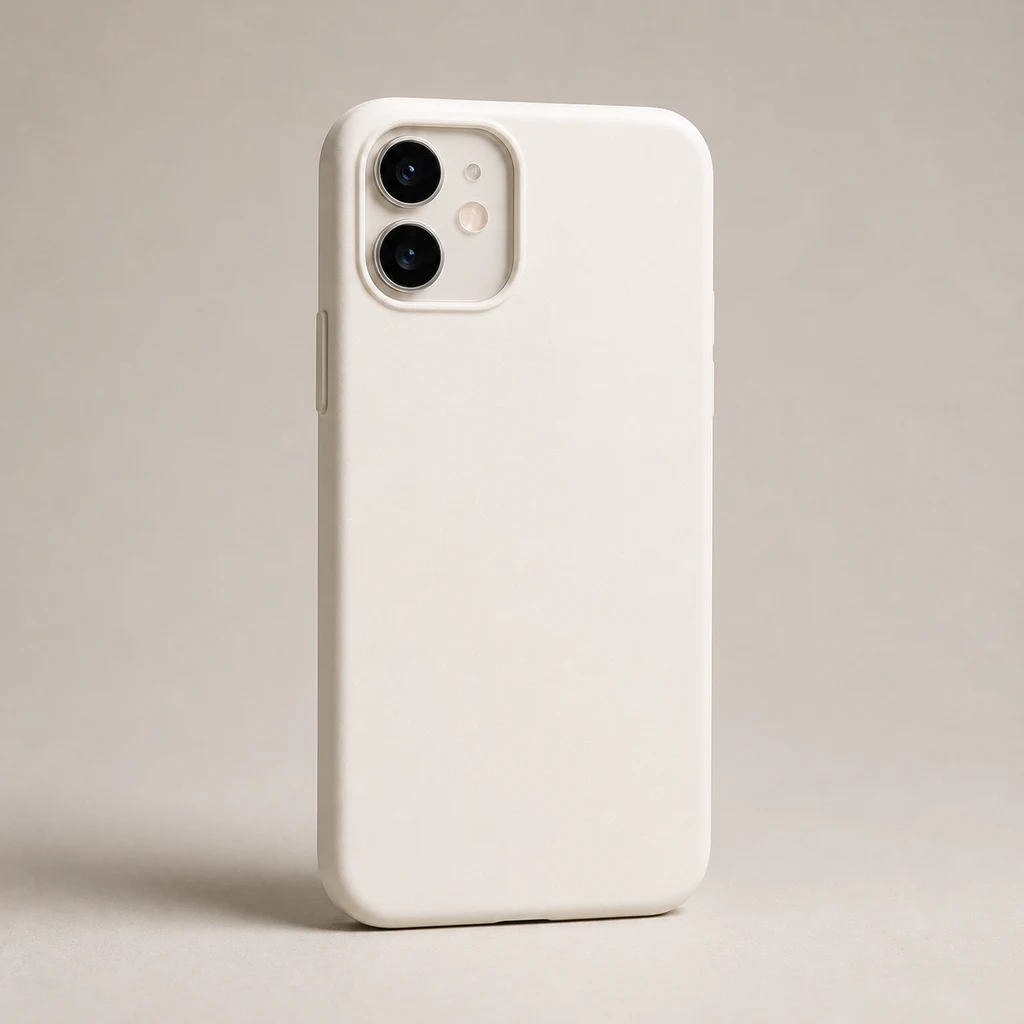
Test digital accessory and IP merchandise designs around the camera area, edges, and final crop.
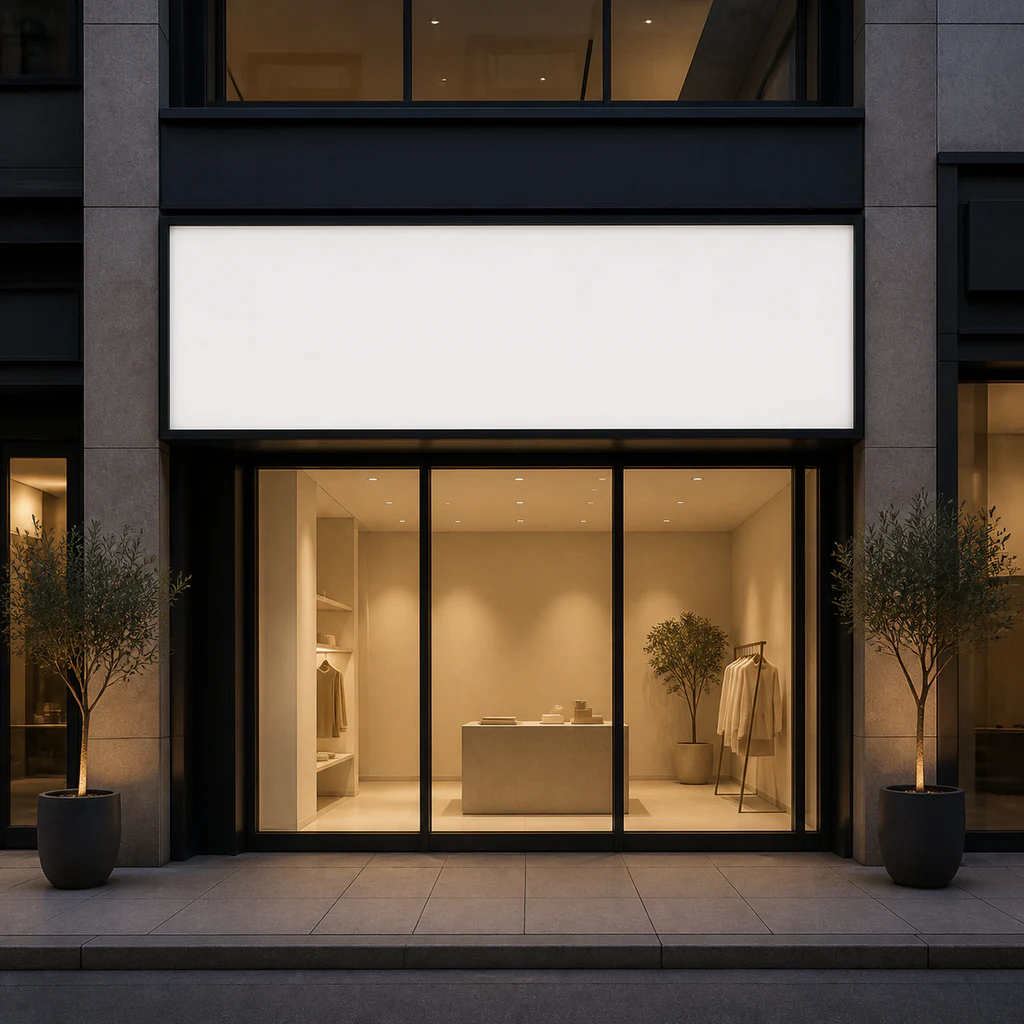
Preview logo visibility on a boutique, studio, pop-up, or retail facade before fabrication.
Use realistic context to communicate a design more clearly during reviews, presentations, planning, and marketing.
Place a logo and visual system into real touchpoints so clients and teams can understand how the identity will live in practice.
Prepare product concepts before photography or production for direction approval, range planning, and pre-sale layouts.
Create contextual visuals for brand announcements, launch teasers, portfolios, and marketing presentations.
Check scale, color, nighttime visibility, and the overall environment before producing signage or opening a space.
Turn repeated scene setup and compositing into a lighter online workflow while keeping control over the creative direction.
Account for the texture, lighting, perspective, and reflections of fabric, glass, ceramic, paper, and architectural surfaces.
Use the uploaded copy, logo shape, proportions, and colors as the primary reference instead of redrawing the identity from scratch.
Switch surfaces, ratios, and art direction to review alternatives and select a more convincing route with less manual setup.
Completed mockups are saved to My Creations for downloading, organizing, and continuing the wider brand-content workflow.
Helpful details about preparing artwork, controlling the result, and managing generated mockups.
No. Upload your design, choose a mockup, and select the output settings. You do not need to build layer masks, perspective transforms, or smart objects.
JPG, PNG, and WEBP files up to 16MB are supported. For logos and graphics, a high-resolution PNG with a transparent background is recommended.
Upload clean, front-facing artwork without a complex background and avoid very small type. The model uses your design as a reference, but important commercial copy, spelling, and proportions should still be checked before use.
Yes. Use the optional art-direction field to request a front view, warm lighting, minimal background, negative space, or another treatment that fits the selected mockup.
Mockups can support brand presentations, product planning, and marketing production. Make sure you have permission to use every uploaded logo, font, image, and design asset, and follow the applicable service terms.
Each completed result is saved automatically to My Creations. You can download the high-resolution image immediately or return later to manage it.
Ready to preview your brand?
Choose the surface closest to your real use case, test the direction at 1K, then move to a higher resolution when the concept is ready.
Start generating mockups